1
Set up
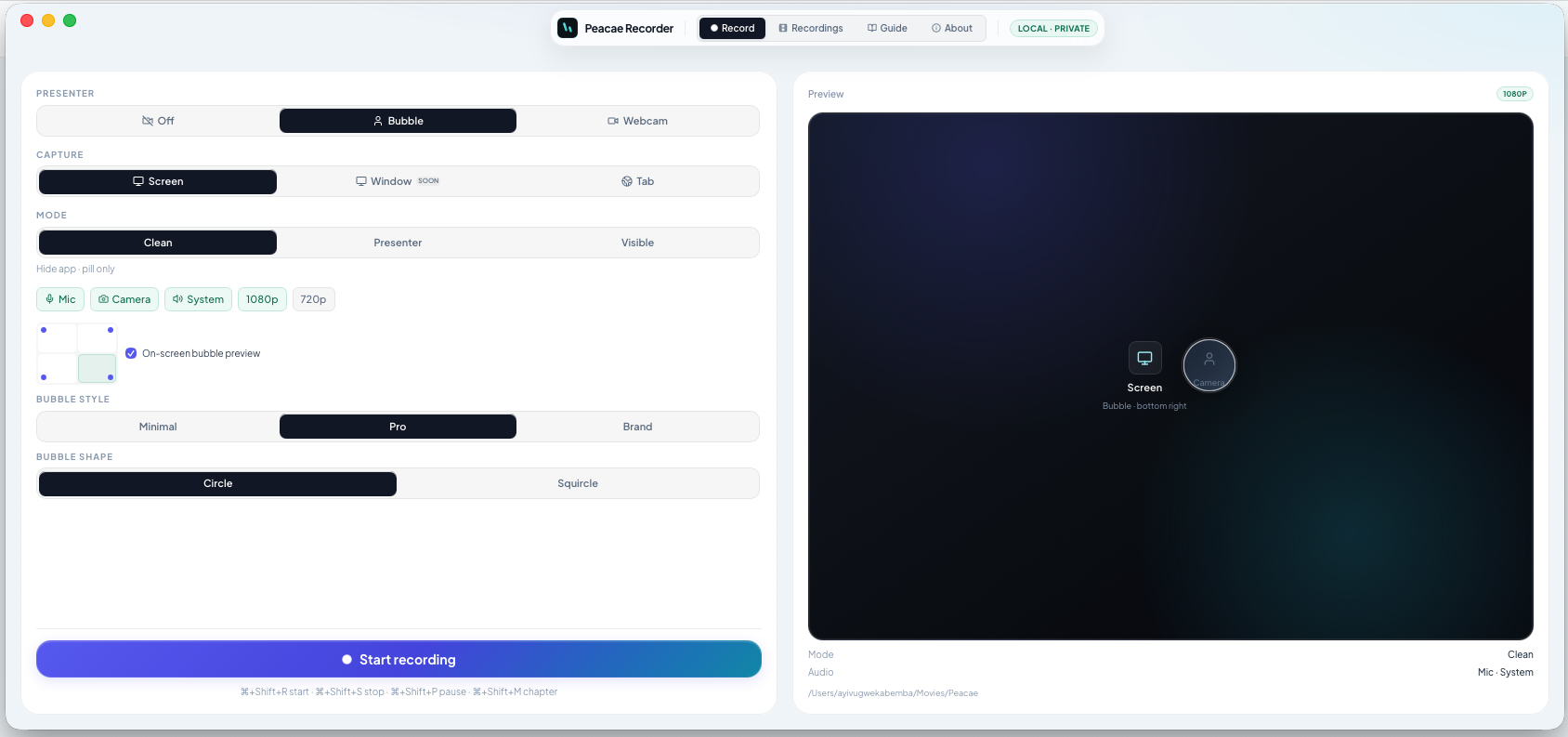
Choose screen, tab, or webcam. Enable mic, system audio, camera, or a presenter bubble before you hit record.
Fast, private, and instant — saved only on this device.
Choose screen, tab, or webcam. Enable mic, system audio, camera, or a presenter bubble before you hit record.
Pause anytime, add chapters, and switch between screen and camera without stopping — one continuous file.
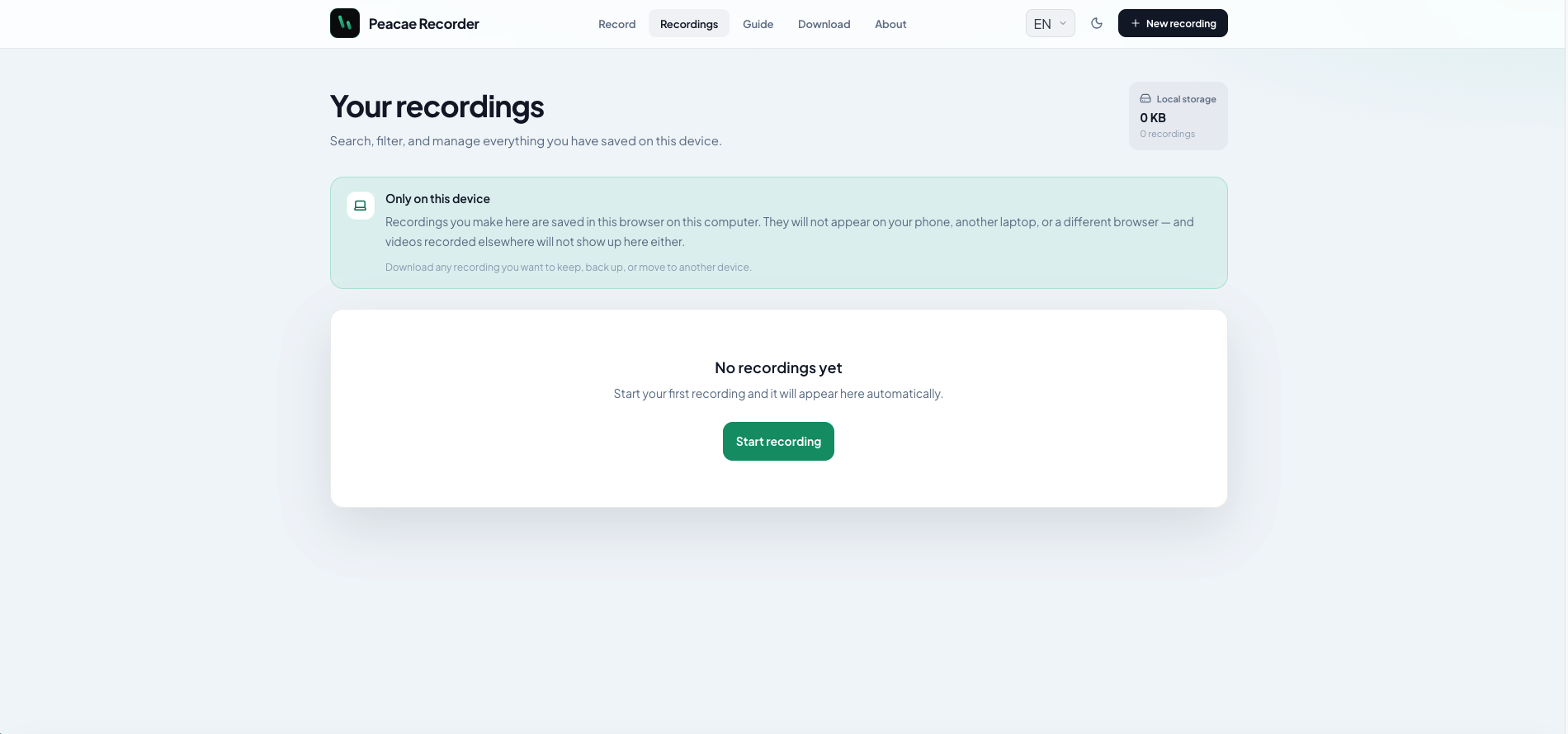
Play back from your library, download WebM files, or delete recordings. Everything stays in this browser until you remove it.
Peacae Recorder
Customize your presenter bubble, switch views mid-recording, mark chapters, and keep everything on this device.
Cross-fade between screen and camera mid-recording without stopping. One continuous file.
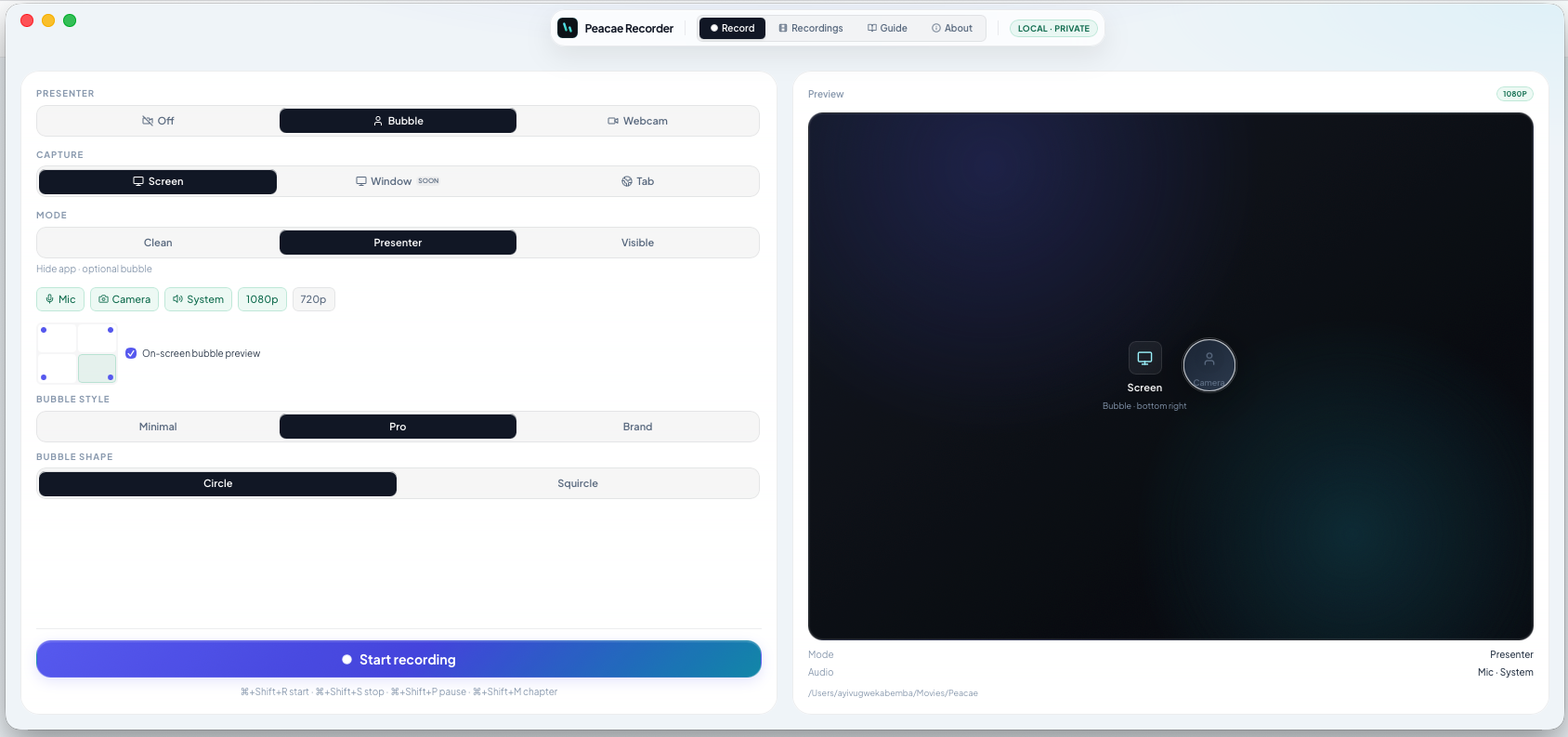
Pick Minimal, Pro, or Brand styling and Circle or Squircle shape — live preview matches your export.
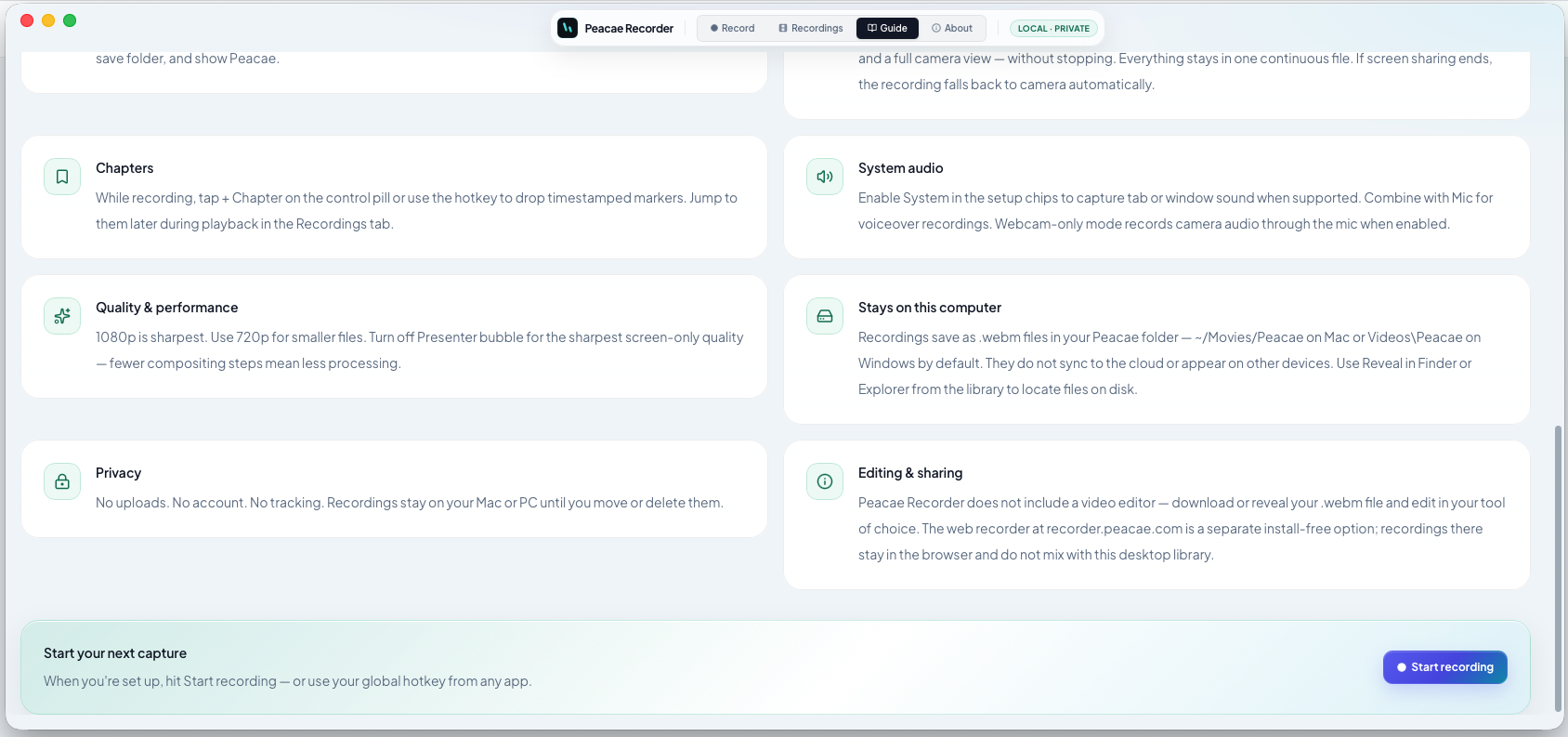
Mark moments while you record and jump straight to them during playback.
Your library lives in this browser on this device — download anything you want to keep.
Download
Install the Mac or Windows app for hotkeys, files on disk, and a cleaner workflow.
Guide
Browse setup tips, quality settings, chapters, and save options.