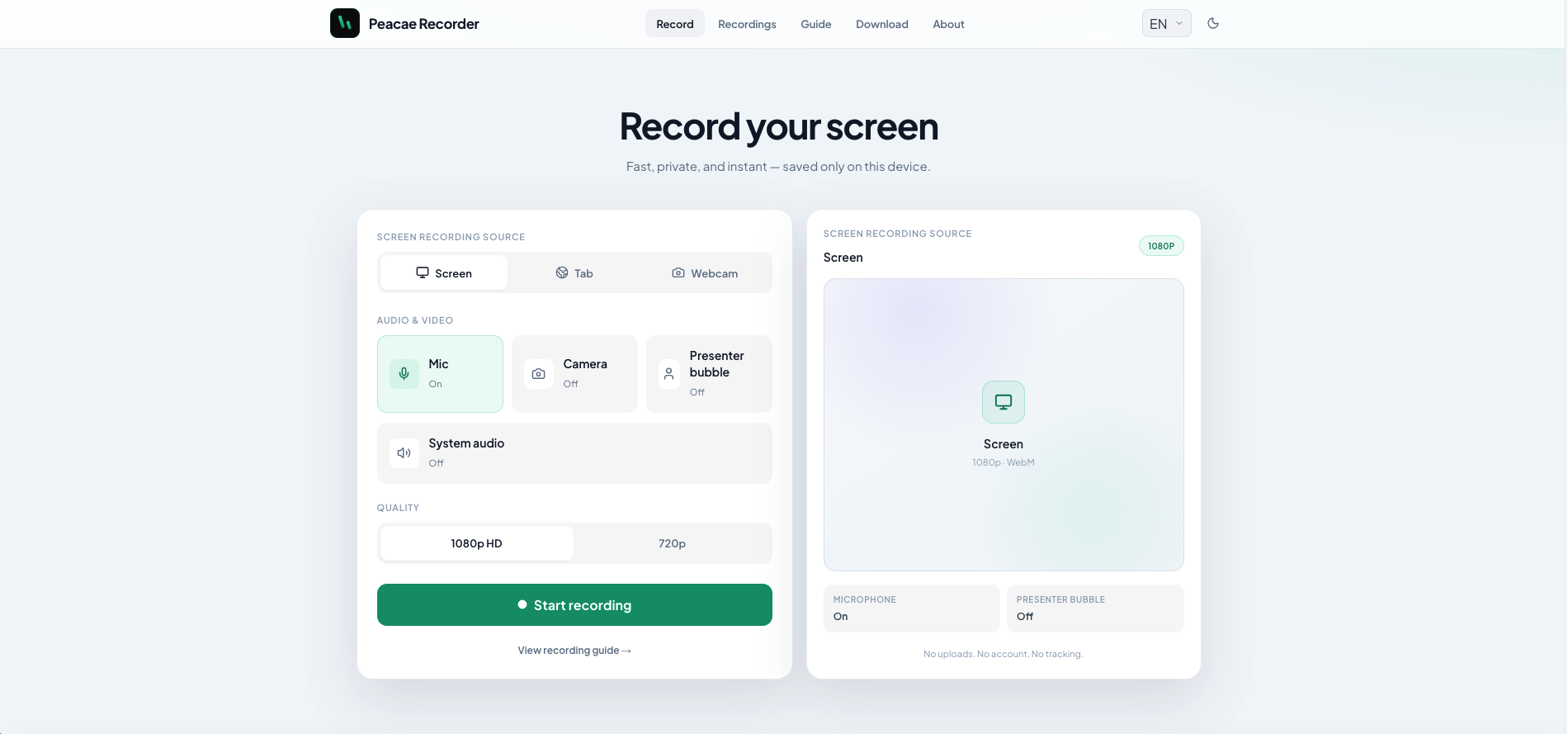
How to record your screen privately in the browser
A quick walkthrough of the web recorder setup: sources, audio, quality, and what stays on your device.
Blog
Practical reads on private capture, presenter bubbles, switching views, and keeping recordings on your device.
A quick walkthrough of the web recorder setup: sources, audio, quality, and what stays on your device.
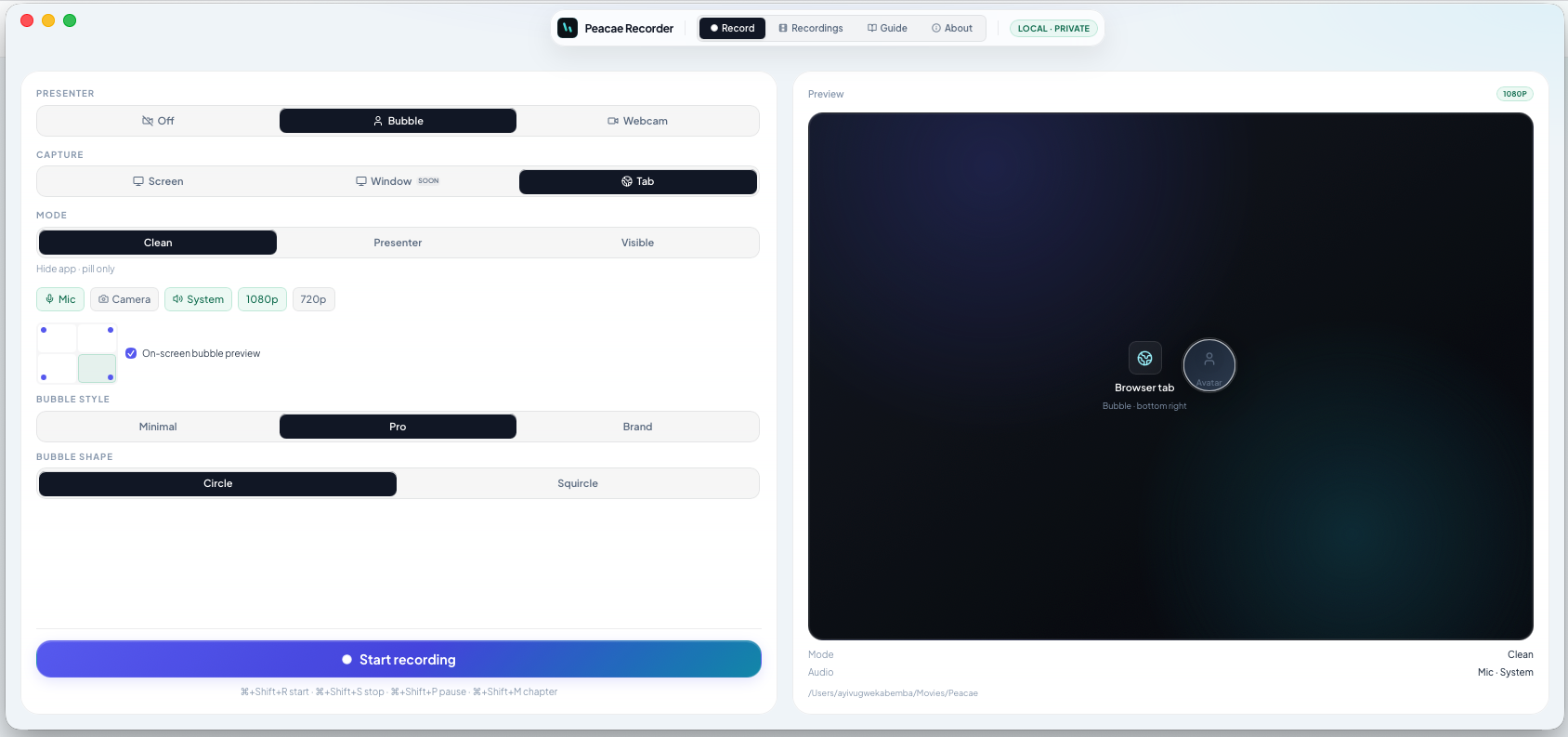
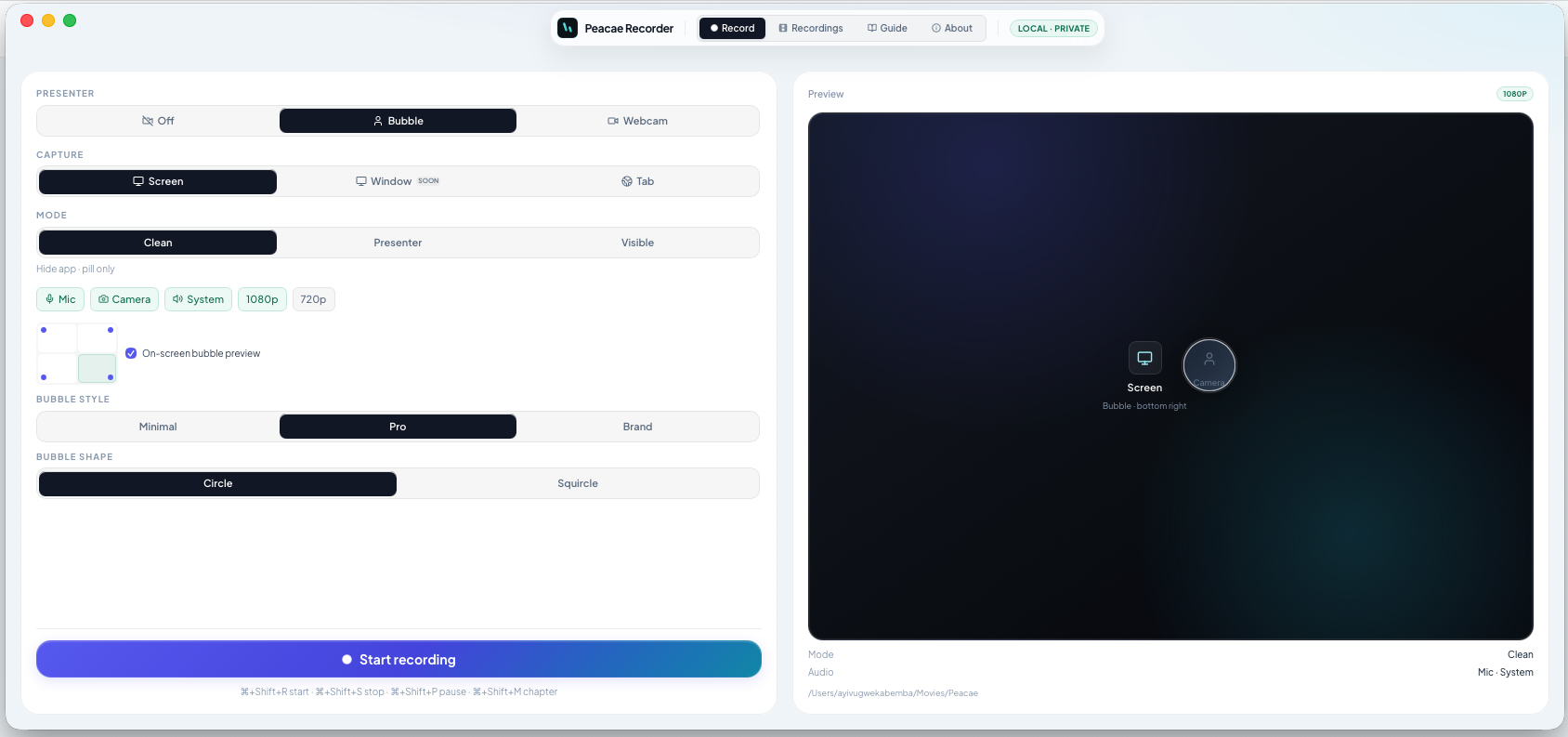
Style your on-screen presenter bubble before you record — position, preview, theme, and shape.
Change views during a recording with a smooth transition instead of starting a new file.
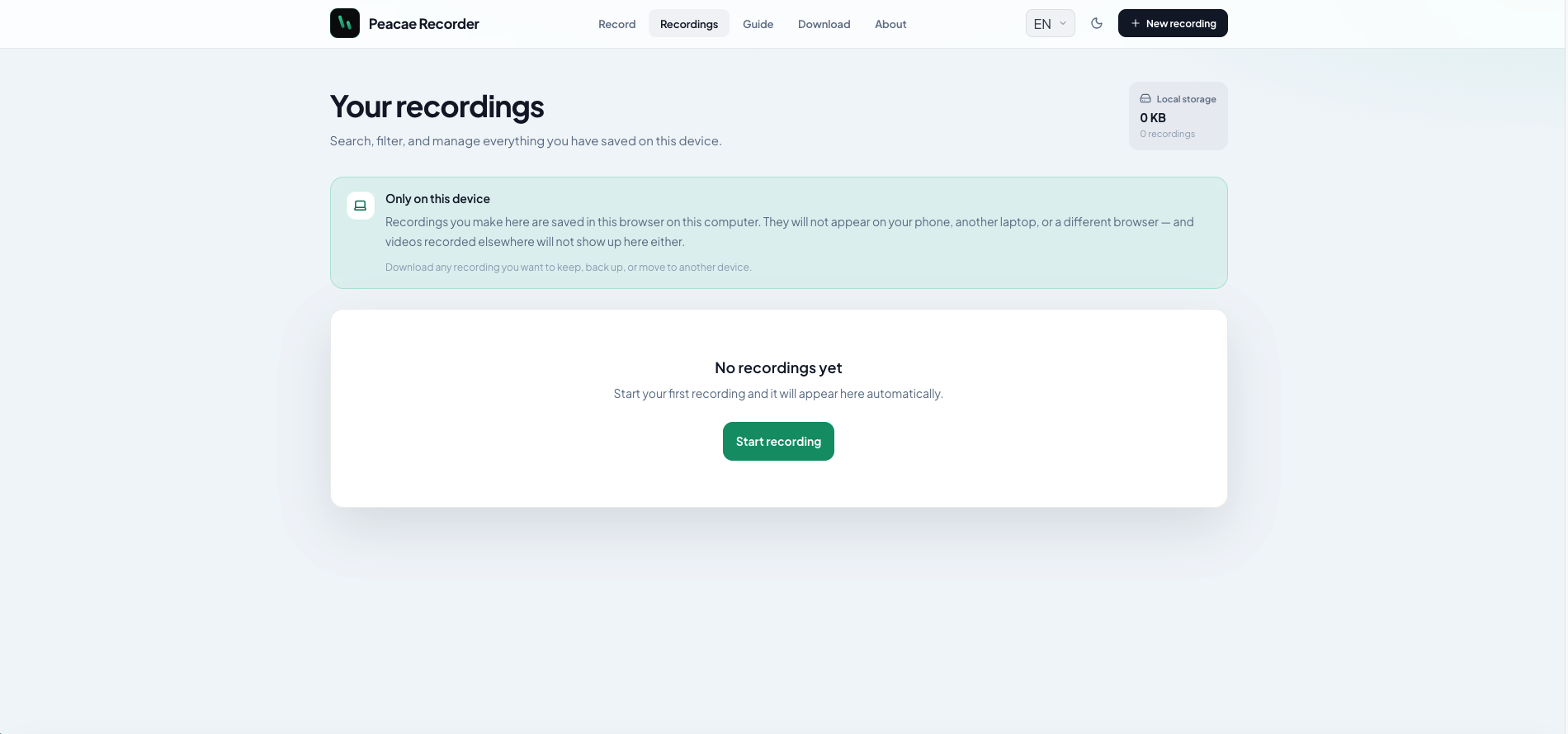
Why local storage matters and how to manage recordings on web and desktop.
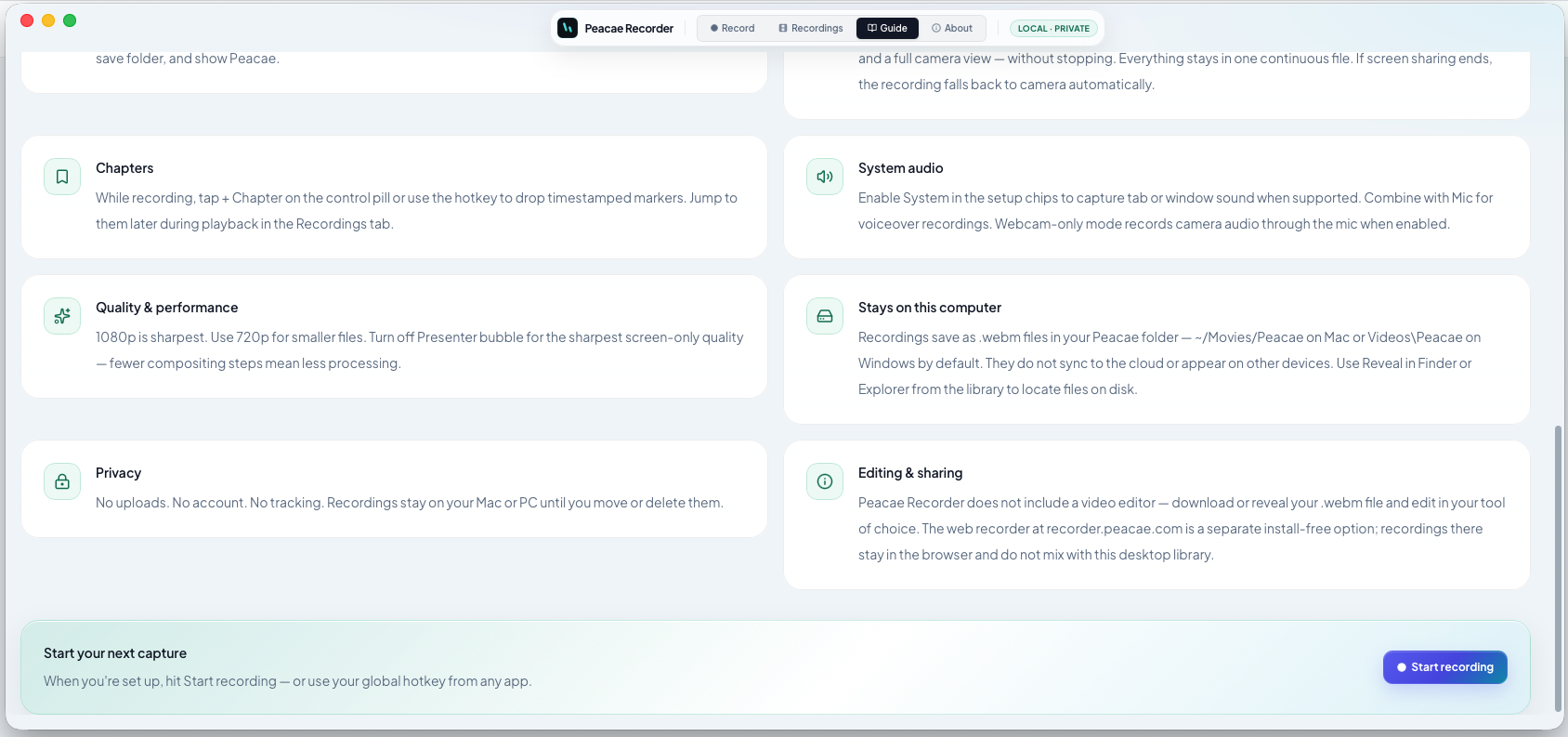
Use chapters to mark sections live, then skip straight to them in your library.
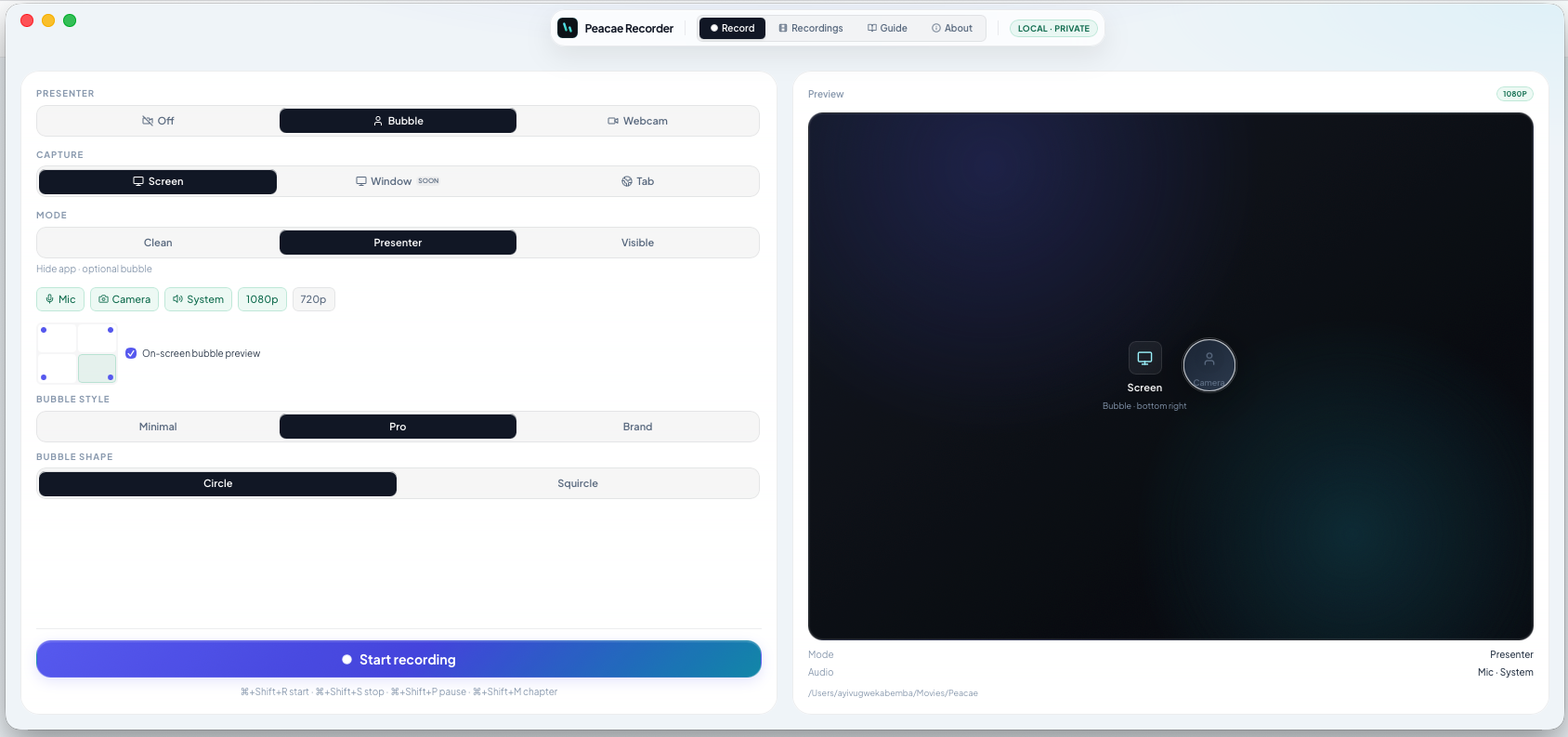
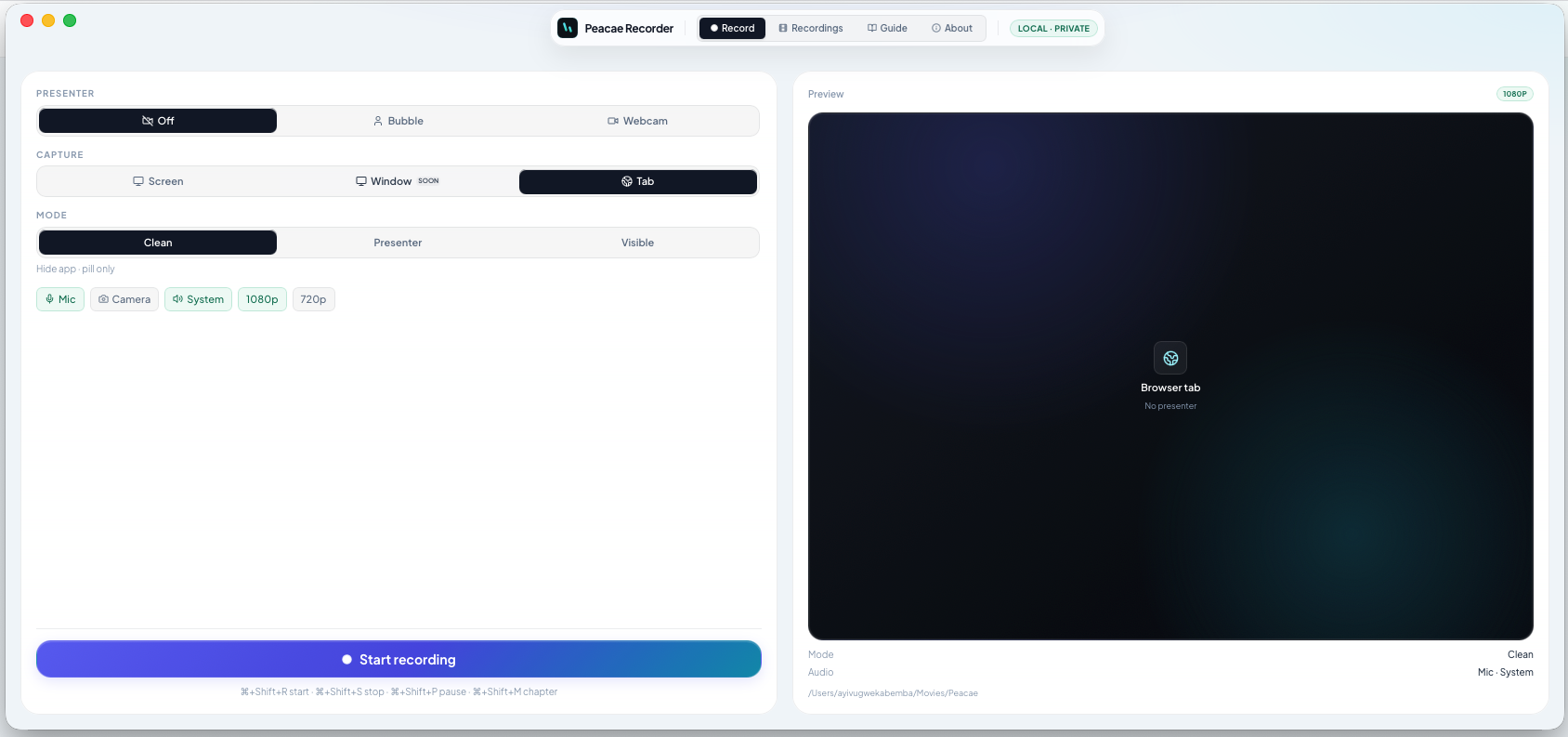
When to pick Tab, Screen, or Window — and what each mode includes in the export.
Enable bubble mode, pick a corner, and keep yourself on screen without a full-camera takeover.
Web for instant capture in the browser; desktop for hotkeys, folders, and offline library access.
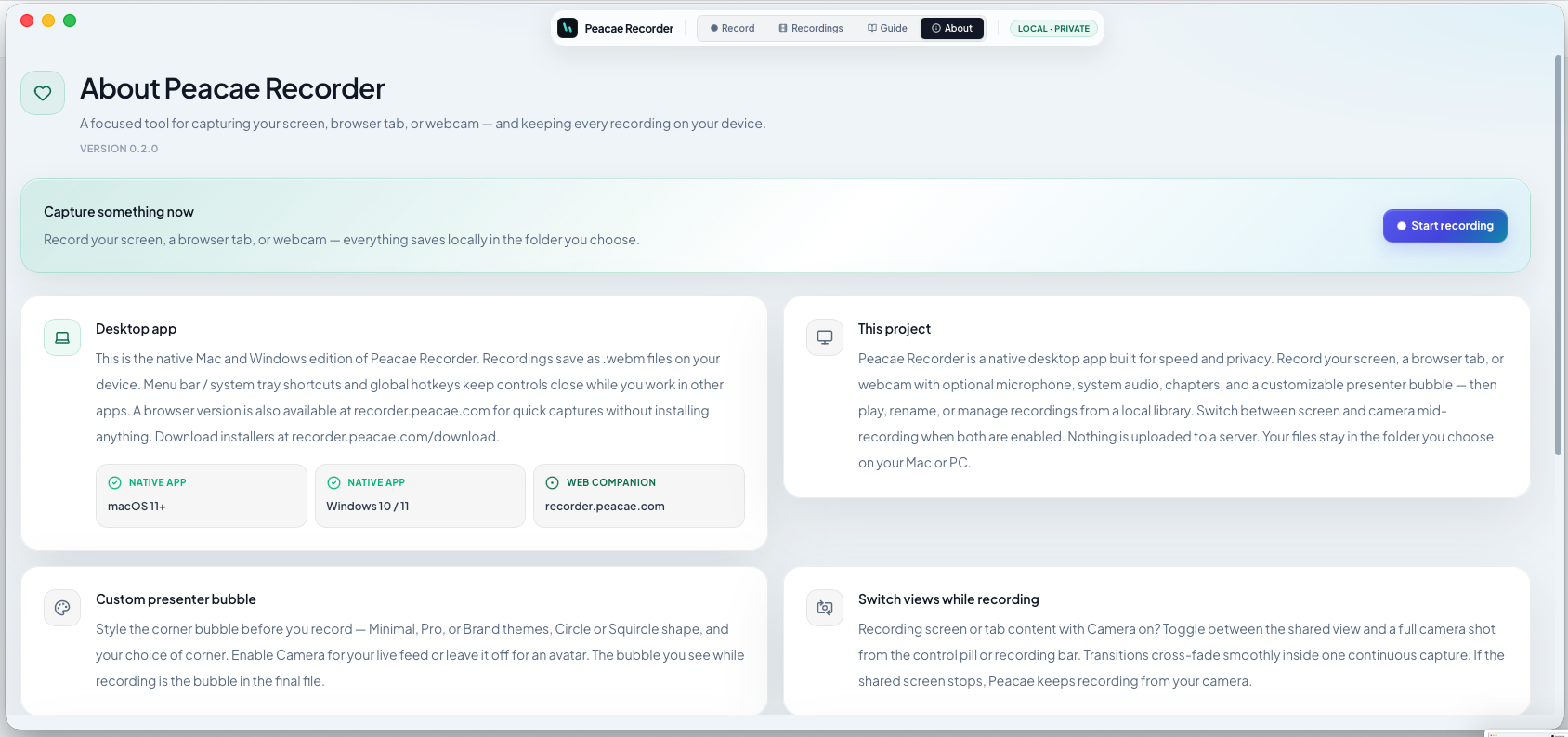
How the desktop library works, where files live on disk, and how to open them in Finder or Explorer.
A quick map of what Peacae Recorder does and where each feature lives in the app.