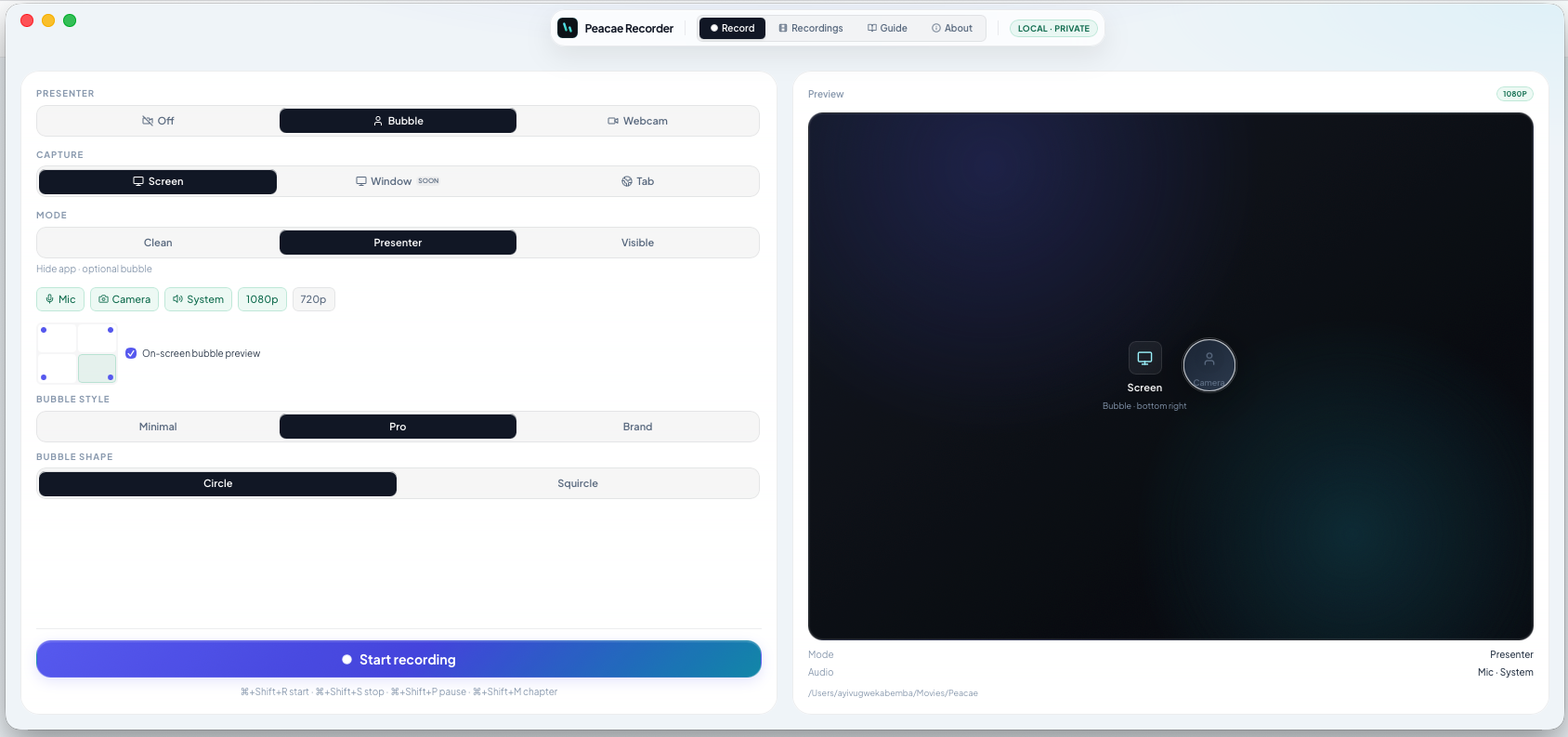
Managing recordings on the desktop app
Find, play back, and reveal Peacae Recorder .webm files saved locally on Mac or Windows — no cloud library required.
Finished captures appear in the Recordings tab on desktop — same privacy model as web, but files also exist as .webm on disk in your Peacae folder.
Default save locations
On Mac, look in ~/Movies/Peacae by default. On Windows, check Videos\Peacae. Use Reveal in Finder or Explorer from the library when you need the raw file for editing.
Playback and cleanup
Play back inside the app, jump to chapters, or delete entries you no longer need. Removing a library item does not upload anything — it only affects local storage.
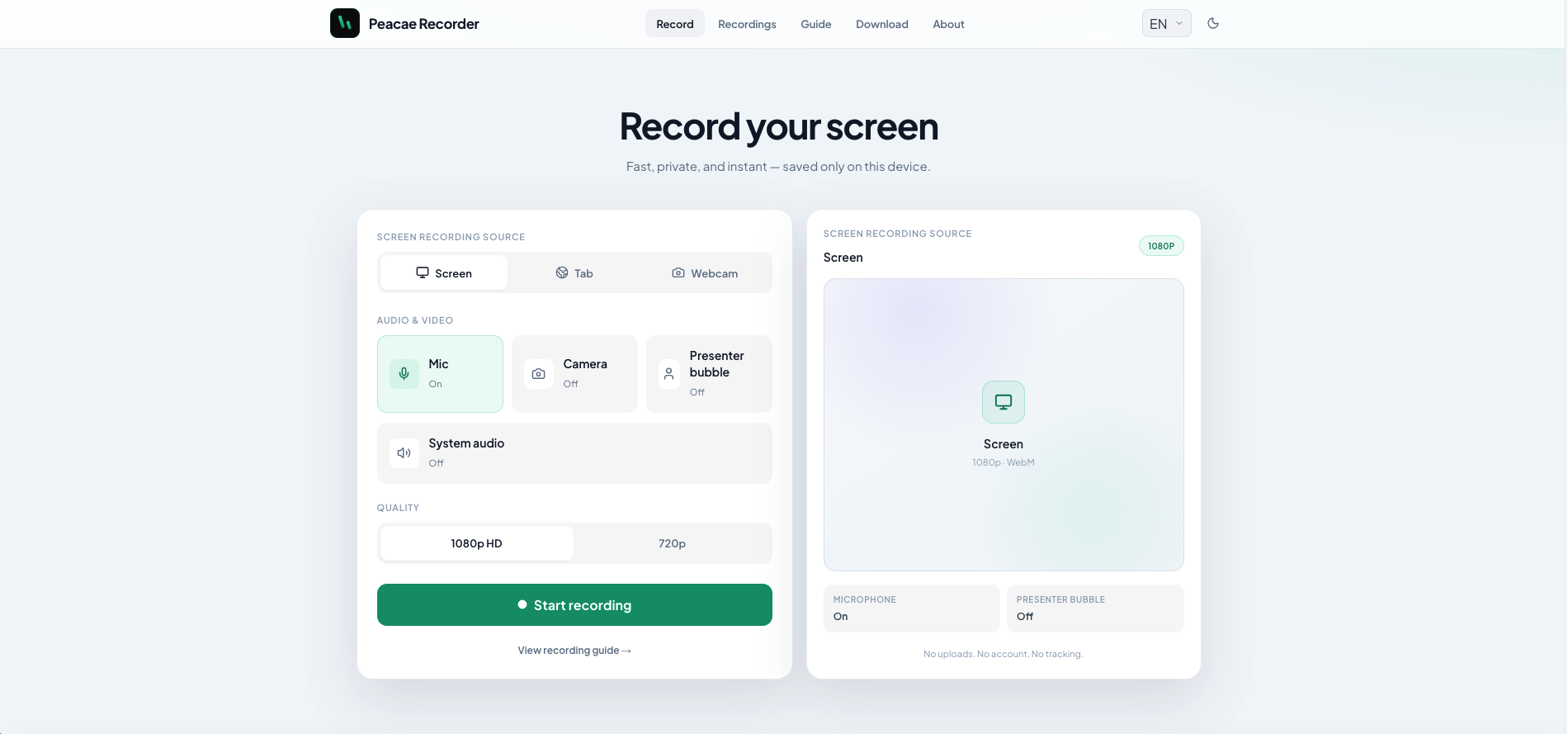
How to record your screen privately in the browser
A quick walkthrough of the web recorder setup: sources, audio, quality, and what stays on your device.
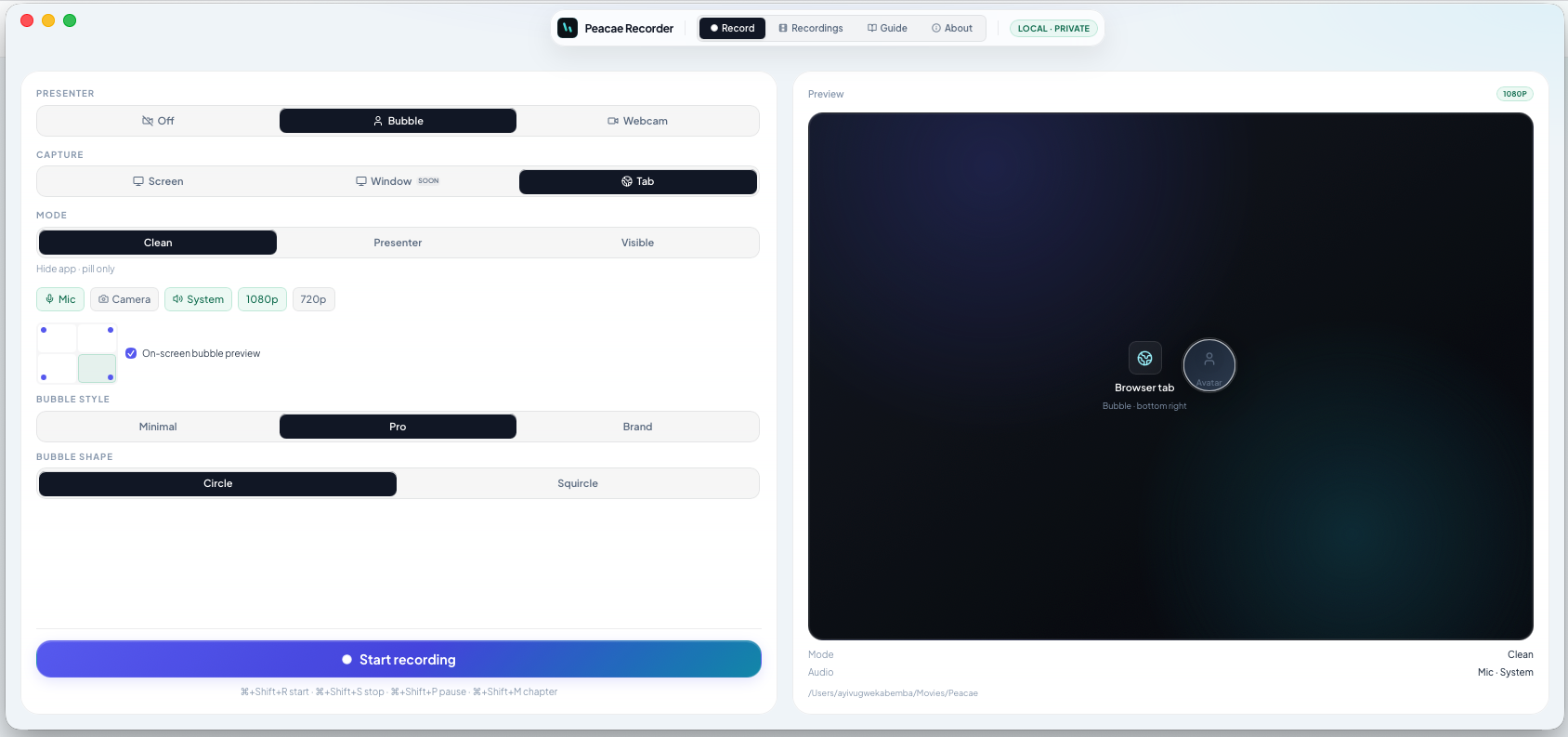
Presenter bubble styles and shapes explained
Style your on-screen presenter bubble before you record — position, preview, theme, and shape.
Switch screen and camera mid-recording
Change views during a recording with a smooth transition instead of starting a new file.